



All very transparent and professional. I would order any time again.
Packaging and delivery to the UK was great. Build quality is great and Shaun has done a fantastic job producing this product. I really appreciate his time and effort.
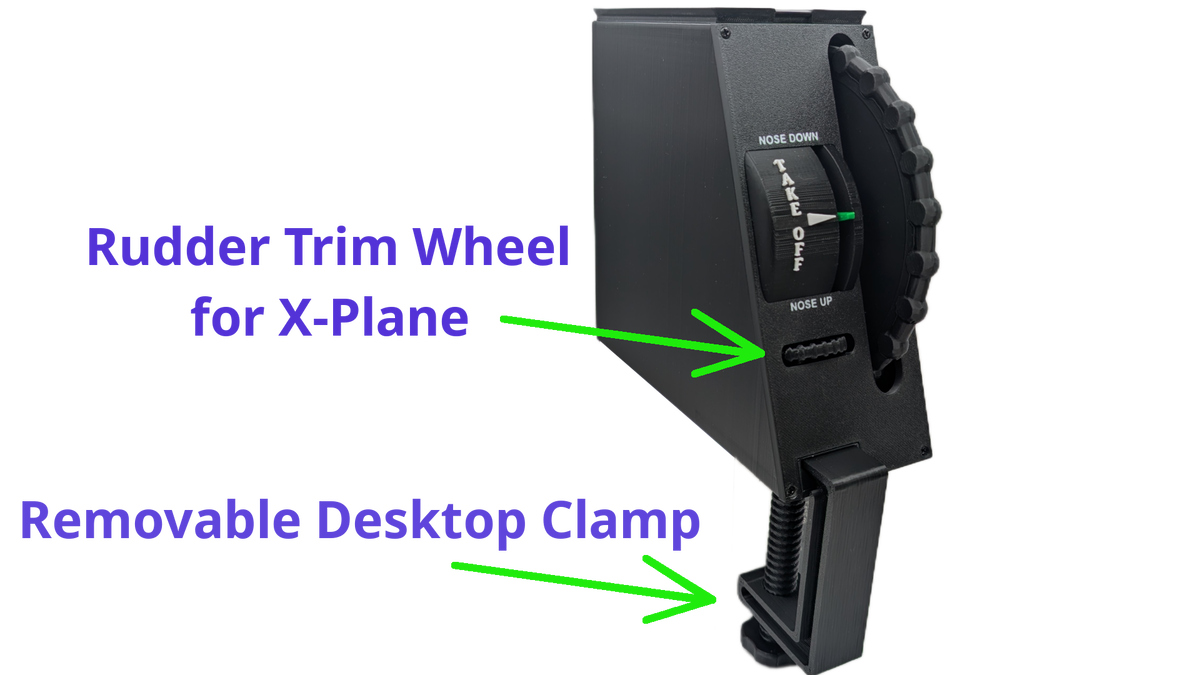
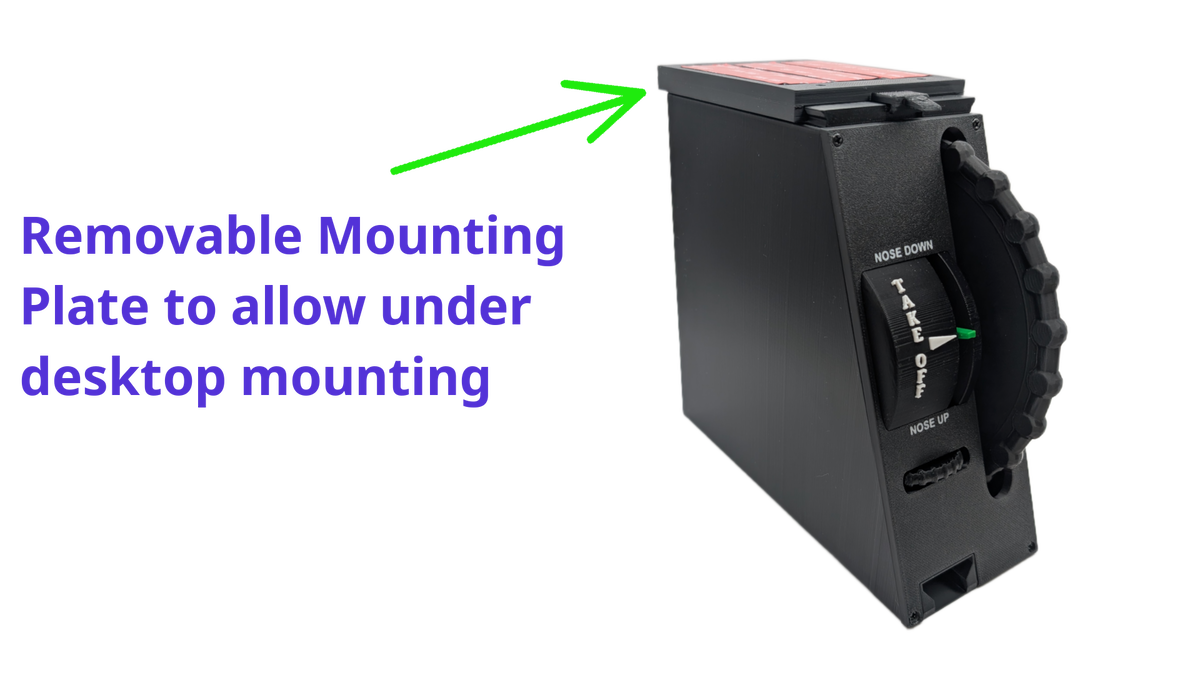
I have mounted the device on my DOF Reality H4 motion rig using the supplied clamp. All good.
I bought the Flight Sim Stuff trim wheel as a replacement for my Honeycomb Bravo trim. The Honeycomb wheel uses pulses to control the trim and I have always found it problematic. In MSFS, the pulses only offer granular control and do not respond well to rapid movement of the wheel. This Flight Sim Stuff wheel uses an axis which does seem to be a better solution. Compared to the Honeycomb, control feels more direct, with better fine control and better response to rapid movement.
Being an axis, it is important to have the controller centred before taking off and the built in pointer/indicator works well for this. I have the version with the rudder trim (which has no indicator) and use this in MSFS with FSUIPC (which I already owned for use with other controllers). It works well but it is difficult to find centre without referring to an indicator in the aircraft itself.
I have also found that when using the elevator trim in one direction and then reversing, there is a dead spot of a few notches of the wheel before there is any response. I suspect that this is due to the high gearing ratio. To be clear, this is not a centre dead spot, it is throughout the range. I have calibrated the device and checked for dead zones in the settings etc. I haven’t found a solution for this yet, but it’s not too bad to live with.
The amount of resistance when turning the wheel is nice, but it is not adjustable.
Overall I think this is a great product and excellent value for money and I would recommend it as an improvement over the Honeycomb Bravo when used in MSFS, but I will give it four stars due to the slight dead spot issue.
Hey Andrew, thanks for your review, I appreciate it. You can adjust the tension of the trim wheel, to do this you need to remove the 4 screws that hold the face plate on and the entire trim assembly will pull out, only pull it out just enough to get a philips screwdriver on the large silver screw on the left side (pull it out a couple inches only) and adjust like 1/4' at a time and test, the screw will probably be snug to turn, that is normal. When done just put the assembly back in but be mindful of the wires, be sure they are all on the left side of the assembly and not underneath so they do not get caught up in the gears. and put the 4 screws back in.
As far as the dead zone, this is a combination of a few things, there is filtering that goes on in the controller firmware. That filters out jittering (which is tiny amount of signal jumping around back and forth), without this the trim wheel would appear to be constantly moving back and forth a tiny amount all the time, you would see it in the plane wiggling around, so you have to have filtering built into the firmware to ignore that. Plus this controller uses a 10 turn potentiometer, which has a lot of travel, it actually is not geared any higher or lower, it is one to one movement with the trim wheel itself, there is just a large range of motion since it is a 10 turn potentiometer. The combination of the filtering and the large range of motion can cause small dead zones like you describe. I personally never notice it, when I need to adjust the trim I just adjust it a bit and don't notice the small amount of dead zone. Let me know if you have any questions or issue in the future.
Cheers,
Shawn
I do ffb project i beed trim plug and play wheel with out any side software. It work out i just do not really understand why the box is reclined face panel with the wheel. On my personal opinion it not like in real life, unnatural but it did their job
Have been using this control combination for about a month now and I have to say "it's good stuff" - Works very well , is very sensitive but easy to control and is built well, a good match to the trim controller.
I recently ordered a combo from Flight Sim Stuff that includes a controller with a Vernier carb, heat, throttle, mixture, and flaps, plus a trim wheel. Shawn shipped the order very quickly. It took a while for the products to arrive in Germany and clear customs. Now the items have arrived and work great. Installation was easy and went smoothly thanks to Shawn’s detailed instructions. The controllers and the trim wheel provide a feel that’s very close to the original Cessna instruments, which is why they’re great for practice. Shawn was always immediately available to answer questions and was a huge help. Overall, I highly recommend Flight Sim Stuff.